
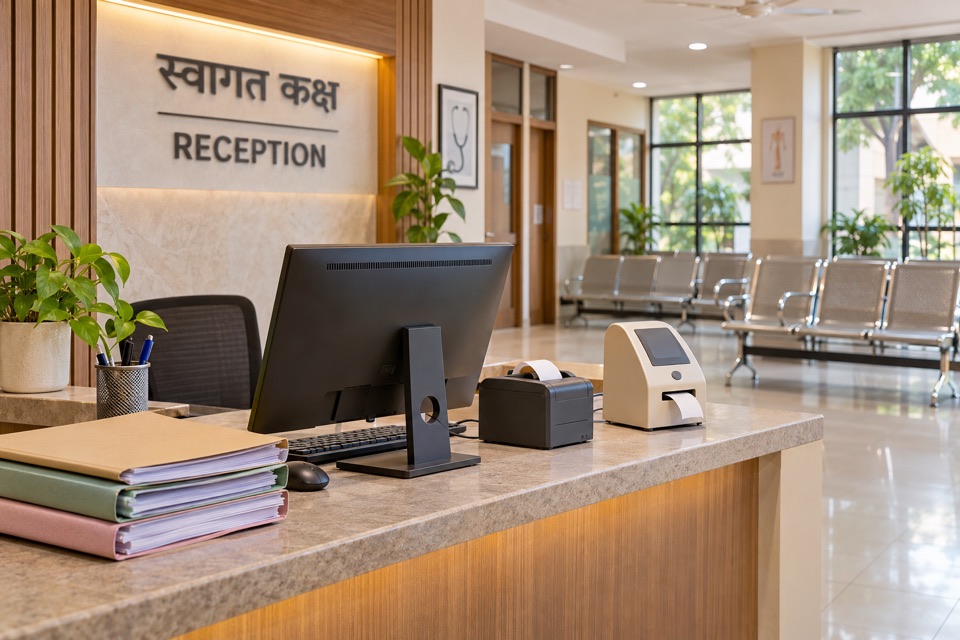
At the end of an OPD session, the reception team is still matching receipts to visits. A patient has returned from the lab, but the consulting room has not been told. The doctor needs last month's prescription, and someone is looking through a folder to find it. These moments deserve attention when you review the software your clinic runs on.
Start by noting where a normal visit stalls. For a growing Indian practice, the decision to upgrade clinic management software should follow the work your team needs to complete every day. The following six situations give you concrete cases to take into a vendor demonstration.
1. Reception has to leave the desk to establish who is next
Appointments and walk-ins often share the same OPD session. Add a patient returning after an investigation and a doctor running late, and a simple arrival list becomes difficult to manage. If the receptionist repeatedly checks each room or calls out names to establish the queue, record that as a workflow requirement.
During a demo, register a walk-in, move another patient into consultation and bring a third back from the lab. Check what reception and the doctor each see. Everyone should be able to identify the patient's current stage and the next action they are responsible for.
2. A returning patient leaves with another disconnected record
Ask what happens when a patient arrives with an old receipt but a new phone number. Can staff locate the existing record, confirm identity and open a new visit while retaining the earlier history? Repeat the exercise with two family members who use the same contact number.
Look for a stable local patient identifier and a clear sequence of visits. The clinician should be able to distinguish today's findings from a previous prescription or an uploaded external report. Readability across visits matters as much as speed during the first registration.
3. A small billing correction turns into an evening investigation
Choose an ordinary exception from your own practice, such as a part payment, a cancelled procedure or a service added after the initial bill. Follow the correction through to the patient's balance and the day's collection. Ask who can make the change and how another staff member can understand it later.
Comparing this case across systems is more revealing than comparing invoice designs. The bill, receipts and outstanding amount need to tell a consistent story when the cash desk closes. Have the person who actually reconciles collections participate in the evaluation.
4. A new lab or pharmacy creates another handoff to chase
Adding an in-house service changes what happens after consultation. A prescription needs to reach dispensing staff. A lab order needs a clear status, and completed results need to be available to the treating team. Decide who owns each handoff before choosing the software that supports it.
Try a prescription that is only partly dispensed and a lab order with one result still awaited. Check how each team identifies unfinished work and how it appears in the patient record. Our guide to digital lab reports covers interim results and patient delivery in more detail. Read the lab reporting guide.
5. Adding staff means sharing someone else's login
A new receptionist, visiting consultant or lab technician needs access appropriate to their work. If onboarding means handing over another person's credentials, review how your system handles individual accounts, permissions and the removal of access when someone leaves.
Ask the vendor to demonstrate a bill correction by an authorised user and the same attempt by someone without that permission. For teams working at several facilities, also check how the active facility is identified and how access is assigned at each location.
6. Nobody can explain how you would move your data
Before your practice grows further, request a sample export of a patient record, its visits, documents and financial history. Check what the export contains, which identifiers connect its parts and how attachments are delivered. Include the cost and process for obtaining that export in your purchasing discussion.
When replacing an existing system, agree on the history that must be moved and how the team will check it. Review a small trial migration containing repeat visits, balances and attachments before setting a cutover date. Confirm how staff will access older records during the transition.
Build your shortlist around a real working day
For one week, keep a short list of delays, corrections and repeated checks. For each, note who was involved, what information was missing and how the team resolved it. Use those examples as the agenda for every vendor demo. Ask the doctor, front desk and billing staff to try their own tasks.
Agree on a few measures before the trial, such as the time needed to locate a returning patient, resolve a billing correction or close collections. Compare the trial with your existing process. Include staff training, configuration, data transfer and support in the cost of changing systems.
Evaluate Thravi against your clinic's workflow
Thravi brings registration, the OP queue, clinical records, prescriptions and billing into a shared workflow. Laboratory, Pharmacy and IPD modules let facilities extend that workflow around the services they run.
Bring your queue, billing and departmental handoff examples to a Thravi demo and walk through them with your team. Explore our clinic management software overview and use its demo form to discuss your practice. Explore Thravi for clinics.