
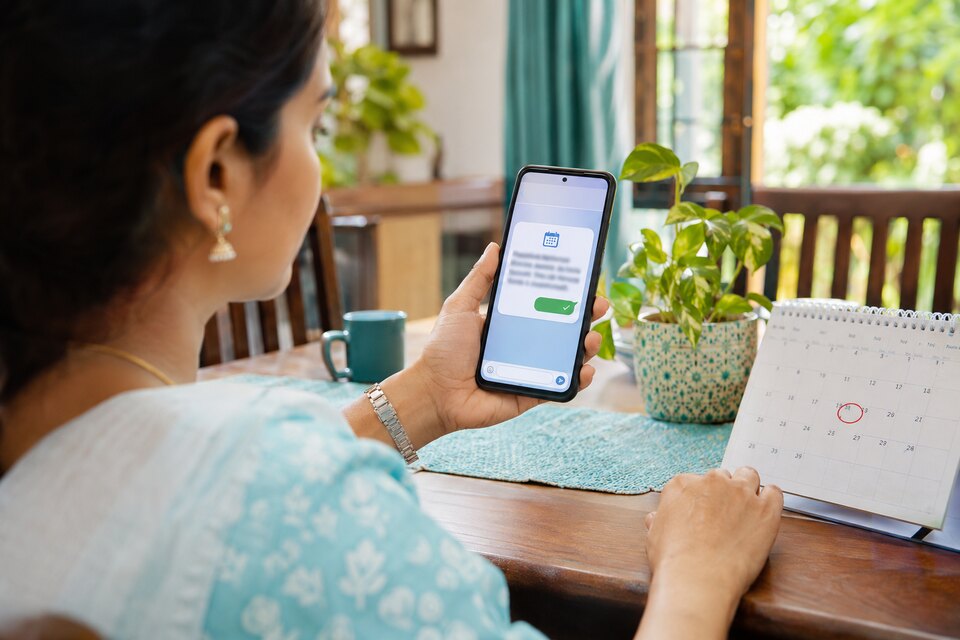
“Come back after a week” is among the most common instructions in an OPD, and among the least tracked. The patient intends to return. A week later they feel somewhat better, the prescription slip is in a drawer, and nobody remembers whether it was seven days or ten. The follow-up is missed without anyone having decided to miss it.
The usual remedy is a register and a receptionist making calls. It works for as long as the front desk has a quiet half hour, which on a busy day it does not. This guide covers what a useful reminder contains, when WhatsApp or SMS suits, and how the follow-up reminder in Thravi runs without adding a task to anyone's morning.
What a useful reminder contains
A reminder earns its place by answering the questions the patient would otherwise have to call about. It should say who it is from, which doctor the visit is with, and when it is due. It should say what to bring. It should offer one clear action and a phone number for anyone who prefers to talk to a person.
Timing matters as much as wording. A message the day before gives the patient time to arrange the visit while it still feels near. It should arrive during the day, at an hour when the clinic could answer a call about it.
Keep clinical detail out. A reminder may be read by a family member on a shared phone, so the name, doctor, clinic and date are enough.
WhatsApp or SMS?
Each has a place. A WhatsApp message can carry a button that opens a booking page, and a document can arrive as an attached PDF. Businesses send such messages from templates that WhatsApp has approved in advance, which keeps the wording consistent.
SMS reaches any mobile phone, with no app and no data connection. It is short, and a document travels as a link. Commercial SMS in India is also sent from registered templates. For most clinics the sensible arrangement is to use both: WhatsApp where the patient uses it, SMS where they do not.
How the follow-up reminder works in Thravi
The reminder starts with the doctor, during the consultation. At the end of the EMR form, a follow-up card takes the interval in days, with quick picks for 3, 5, 7, 15 and 30, and a tick box to send the patient a WhatsApp reminder the day before. The card shows the due date and the day the reminder will go out.
When the doctor completes the visit, the reminder is scheduled. Nobody at the desk has to copy a date into a diary or remember to send anything.
The day before the follow-up is due, during daytime hours, the patient receives a WhatsApp message. It names the doctor and the clinic, gives the due date, asks them to bring the previous prescription and any new reports, and includes the clinic's phone number. It carries a Book appointment button. The message gives no time of day, because the doctor set an interval and not a slot. Choosing the slot is what the button is for.
It holds back when a reminder is not needed
Before sending, the system checks whether the patient has already come back for another visit, or already has an upcoming booking. In either case the reminder is skipped. A nudge to someone who booked yesterday tells them the clinic does not know its own diary.
If a reminder cannot be sent before the follow-up day arrives, it lapses. A message saying “due tomorrow” is never delivered on the day itself.
Staff can send one by hand, on WhatsApp or SMS
Some follow-ups have a fixed date and time, such as a review after a procedure. From the patient's profile, staff can send a follow-up reminder with the doctor, date and time, over WhatsApp or SMS. Each message sent uses the clinic's prepaid message credits; a reminder that is skipped is not charged.
The booking page behind the button
The button opens the clinic's public booking page. The patient needs no account and no app. On one screen they choose a doctor, a day and a time, and enter their name, phone number and reason for the visit. They receive a booking reference to quote at the desk.
Booking opens from the next day and runs thirty days ahead. A same-day request is a walk-in in practice, and the desk would get no notice of it. Times come from each doctor's consulting hours, set by the doctor, and a morning session and an evening session on the same day are both supported. A doctor appears on the page once their hours are set.
A time on this page is a window, not a reserved seat. More than one patient can choose the same time, which matches how a token-based OPD runs.
At the desk, the booking appears in the appointments list. When the patient arrives, staff open it and the system looks for an existing patient with the same phone number. A returning patient is confirmed; a new one is registered with the name and number already filled in. The OP ticket is then created with the reason the patient gave. The same link can be copied from the appointments screen and shared wherever the clinic likes.
Bills, prescriptions and lab reports on the same channels
Reminders work better when the patient already has the clinic's messages on their phone. From Thravi, staff can share a finalised bill, a prescription or a lab report by SMS or WhatsApp. On WhatsApp the document arrives as a PDF. By SMS the patient receives a link that expires.
Every send goes through two steps. A review screen shows the patient, their mobile number and what is about to be sent. Only after confirmation does the message leave. When a doctor completes a visit, the closing dialog offers to send the prescription then, while the consultation is still open. For how reports should be prepared before they are sent, see our guide to digital lab reports and patient delivery.
Limits to know before you rely on it
The automated reminder covers follow-ups set by a doctor. A slot booked on the booking page does not yet get a reminder of its own. A booking cannot be rescheduled; it is cancelled and booked again. A patient who does not want reminders has to tell the clinic, as there is no per-patient preference yet. Consulting hours follow a weekly pattern with no holiday exceptions, so remember to adjust them before a planned closure.
Making it work in a real clinic
Software sends the message. A few habits decide whether it lands.
Confirm the mobile number at registration. Ask whose phone it is. A number that belongs to a relative is fine if the patient knows messages will go there.
Say it in the room. “You will get a WhatsApp message the day before, with a link to pick a time” takes five seconds and makes the message expected.
Agree on default intervals. If the doctors in a practice use the same few intervals for common reviews, patients and staff learn what to expect.
Give the booking list an owner. Someone should open the appointments list each morning, so that a patient who booked online is expected when they arrive.
Keep the phone line. Some patients will always prefer to call. The reminder should make the desk's calls fewer and shorter, and leave the line open.
See it with your own follow-ups
Dictated instructions feed the same card. When a consultation is recorded, “review in two weeks” is drafted as a follow-up of fourteen days for the doctor to accept, as explained in how the AI voice scribe works.
To try the follow-up card, the reminder and the booking page with your own team, start with Thravi's clinic management software and bring a week of your follow-up register to the demo.